Templates
Signature Generator
Agendas
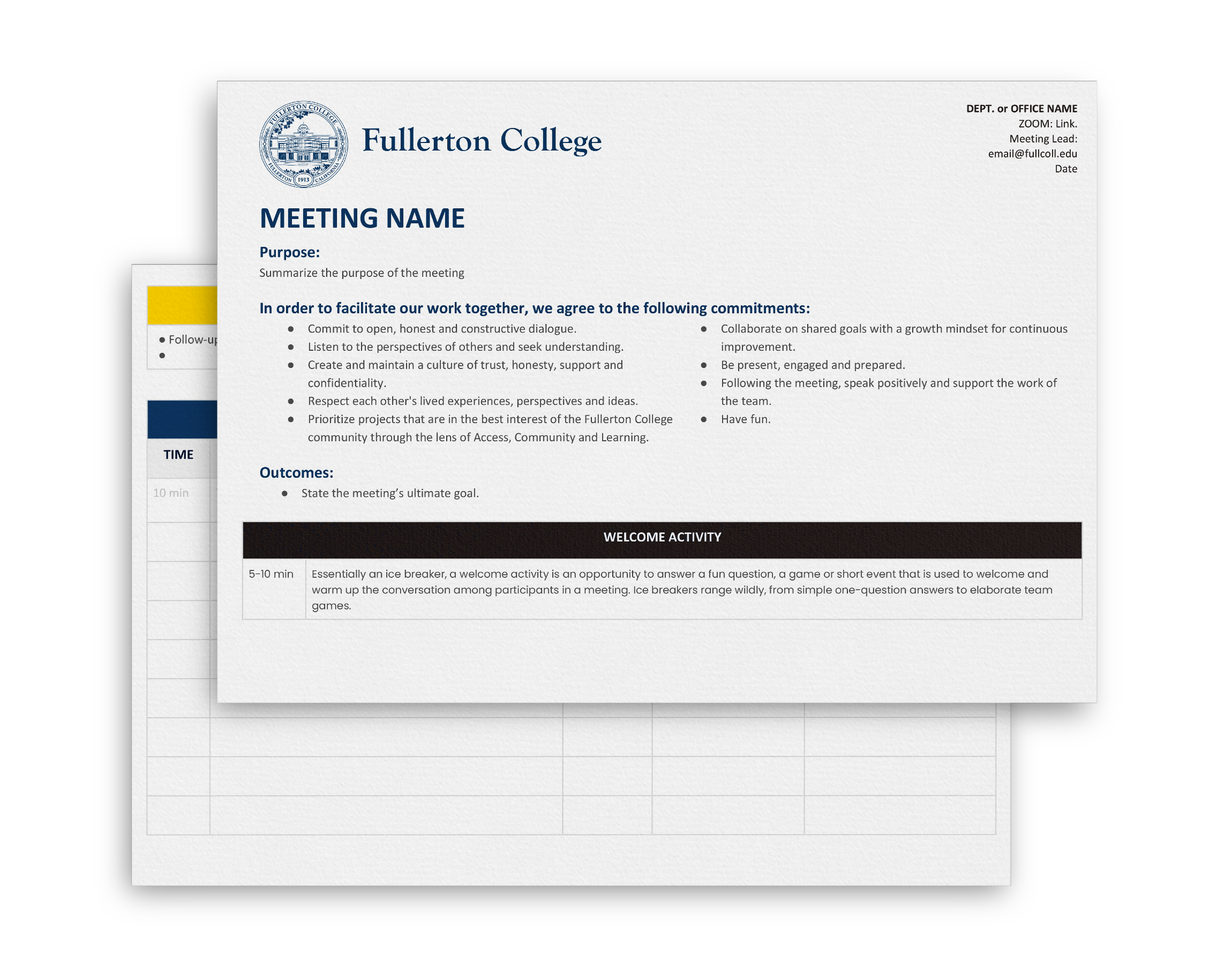
The agenda template provides a structured outline for a meeting, ensuring that all participants are clear on the meeting purpose, objectives and expectations.
Users must log into SharePoint to view templates.
Communications, Project, Event Plan
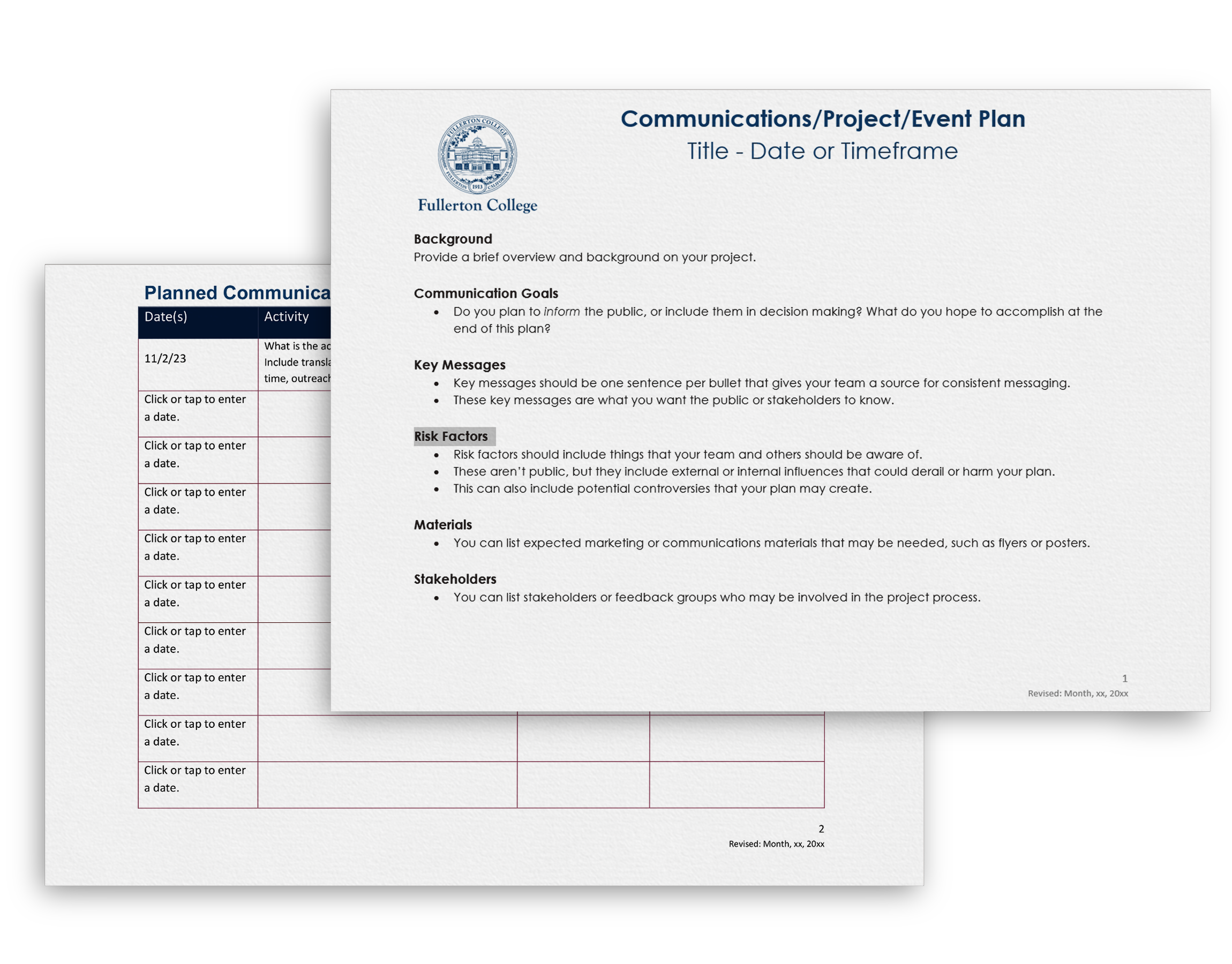
Create a communications or project plan to help set communications goals, identify stakeholders, set strategies, schedule communications activities and establish timeframes.
Users must log into SharePoint to view templates.
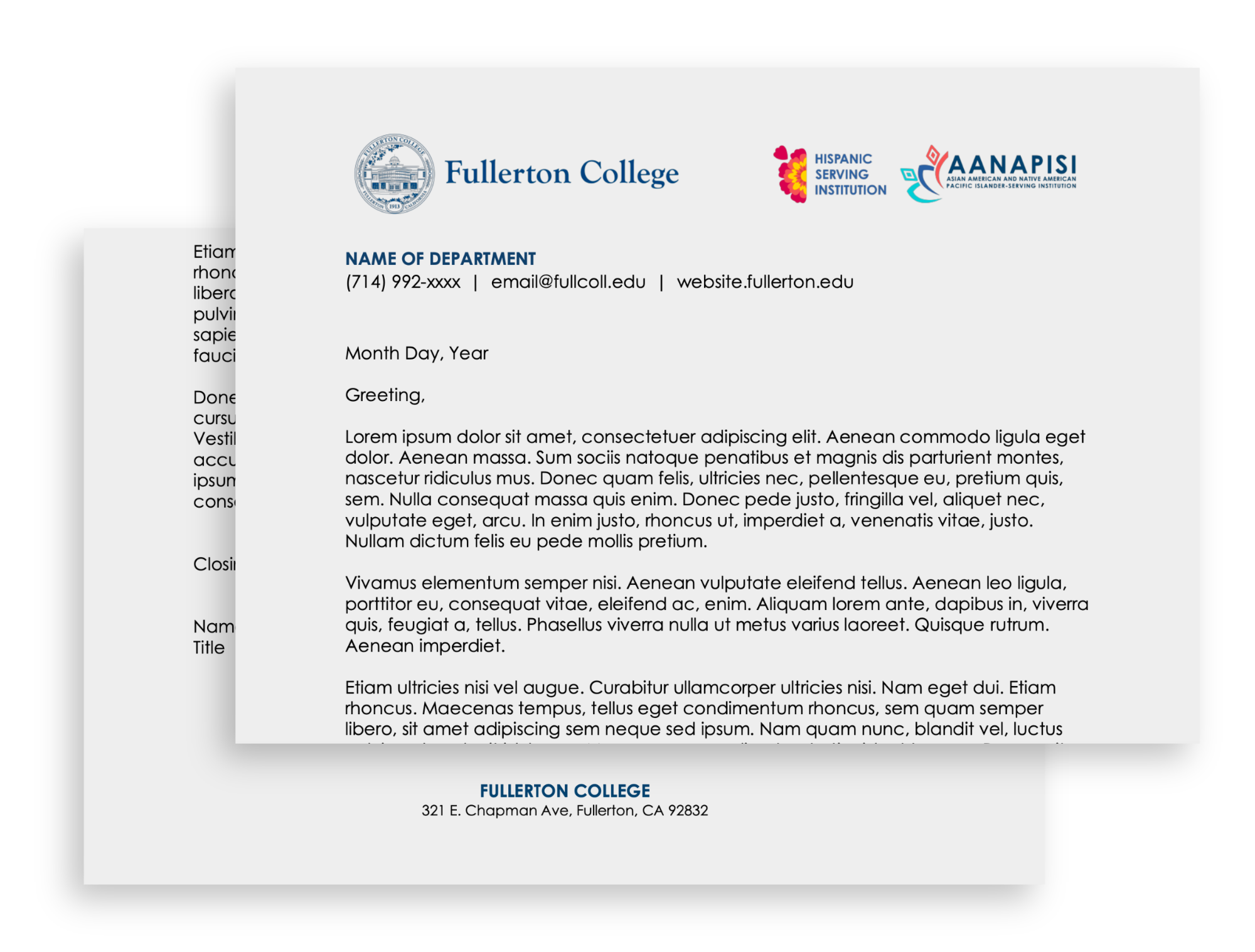
Letterhead
The letterhead template provides a standardized format for official correspondence, ensuring consistency and professionalism in all communications.
Users must log into SharePoint to view templates.
Digital Signage
Campus TV displays are reserved for campus-wide priorities, services and events (approved by Campus Communications). Submit requests via the communications form.
Guidelines
Size: 1280×720 px
Tool: Canva recommended
Text: At least 30pts
Links: Short links or QR code
Style: Keep it simple
Duration: Graphics will be displayed for maximum of 2 months
Presentations
Fullerton College requires use of approved presentation templates for all internal and external use (available on SharePoint).
Guidelines
- Use key phrases; keep text minimal
- Avoid flashy transitions
- Limit number of slides
- Use high-quality images or icons
- Do not change template fonts or colors


Zoom Backgrounds
Use approved Zoom backgrounds to maintain a professional appearance and represent Fullerton College during meetings and classes.